Ionic Vue Quickstart
Welcome! This guide will walk you through the basics of Ionic Vue development. You'll learn how to set up your development environment, generate a simple project, explore the project structure, and understand how Ionic components work. This is perfect for getting familiar with Ionic Vue before building your first real app.
If you're looking for a high-level overview of what Ionic Vue is and how it fits into the Vue ecosystem, see the Ionic Vue Overview.
Prerequisites
Before you begin, make sure you have Node.js and npm installed on your machine. You can check by running:
node -v
npm -v
If you don't have Node.js and npm, download Node.js here (which includes npm).
Create a Project with the Ionic CLI
First, install the latest Ionic CLI:
npm install -g @ionic/cli
Then, run the following commands to create and run a new project:
ionic start myApp blank --type vue

cd myApp
ionic serve
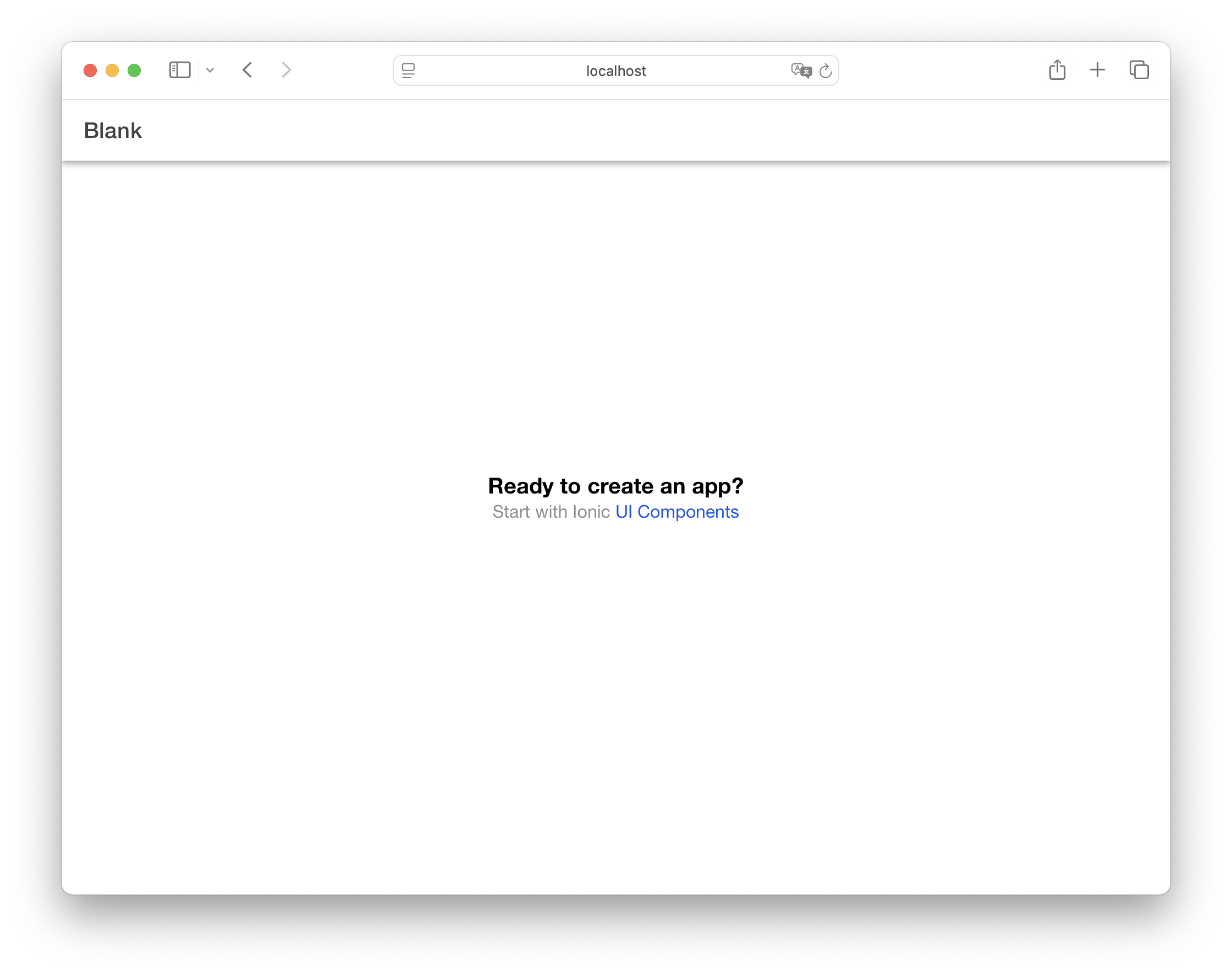
After running ionic serve, your project will open in the browser.
Explore the Project Structure
Your new app's directory will look like this:
└── src/
    ├── App.vue
    ├── main.ts
    ├── router
    │   └── index.ts
    └── views
       └── HomePage.vue